HurtWorld服务端
LinuxGSM 不要按照教程填写Steam账号密码,填写之后会验证你是否有这个游戏。
服务端配置
# 先安装SteamCMD
sudo add-apt-repository multiverse; sudo dpkg --add-architecture i386; sudo apt update
sudo apt update
sudo apt upgrade
sudo apt install steamcmd

# 找个路径下载gsm和hwserver
curl -Lo linuxgsm.sh https://linuxgsm.sh && chmod +x linuxgsm.sh && bash linuxgsm.sh hwserver

# 将hwserver放置到你要安装服务器的路径,随后执行,安装服务器相关文件
./hwserver install

# 将默认配置拷贝到common.cfg
cp ./lgsm/config-lgsm/hwserver/_default.cfg ./lgsm/config-lgsm/hwserver/common.cfg

# 随后修改common.cfg,主要是删除掉 queryport ${queryport},目的是跳过steam connection验证。我们通过ip访问,不需要这个。

# 最后启动服务
./hwserver start
客户端连接
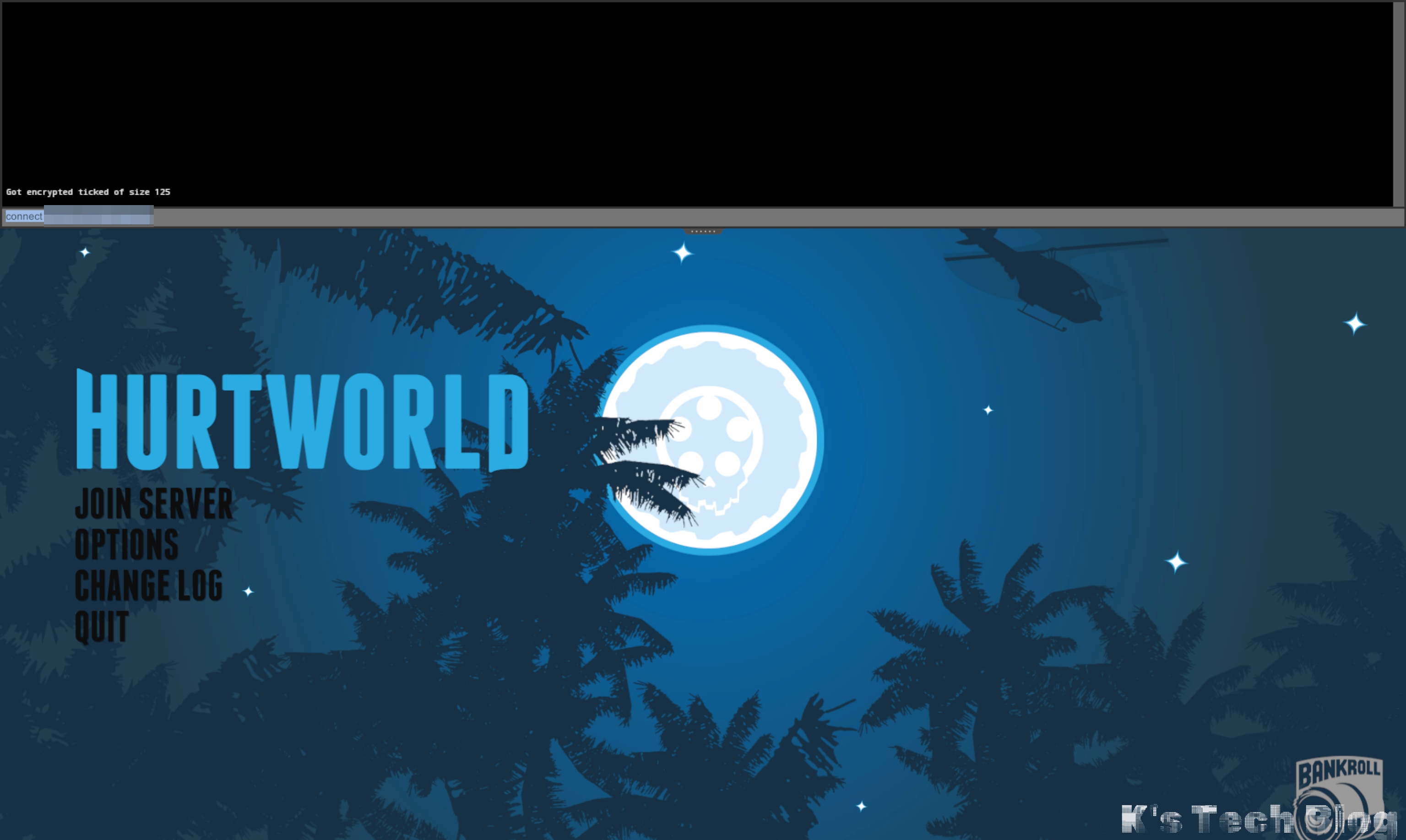
# 按F1 打开命令行

# 输入 connect host:port进行连接