Hoppscotch
https://github.com/hoppscotch/hoppscotch 一个目前非常火的开源API开发调试工具,postman的替代
安装
docker-compose启动
services:
  hoppscotch:
    container_name: hoppscotch
    image: hoppscotch/hoppscotch:latest
    restart: unless-stopped
    network_mode: bridge
    env_file: env
    ports:
      - 11180:11180

    # 用来初始化数据库
    # entrypoint: sh
    # command: -c 'sleep infinity'
# 启动之后,执行以下命令进行数据库初始化
# 文档见https://docs.hoppscotch.io/documentation/self-host/community-edition/install-and-build
pnpm dlx prisma migrate deploy
#-----------------------Backend Config------------------------------#
# Prisma Config
# or replace with your database URL
DATABASE_URL=postgresql://postgres:UksP4OqE3HlS1wTuexXkzvHZUDSRSlZy@192.168.111.111:15432/hoppscotch
# (Optional) By default, the AIO container (when in subpath access mode) exposes the endpoint on port 80. Use this setting to specify a different port if needed.
HOPP_AIO_ALTERNATE_PORT=11180
# Auth Tokens Config
JWT_SECRET=Q0jY3hrB12yruWMmg6lJmUxioLlzADLIATWHMCfFFI
TOKEN_SALT_COMPLEXITY=10
MAGIC_LINK_TOKEN_VALIDITY=3
# Default validity is 30 days (2592000000 ms) in ms
REFRESH_TOKEN_VALIDITY=2592000000
# Default validity is 1 day (86400000 ms) in ms
ACCESS_TOKEN_VALIDITY=86400000
SESSION_SECRET=QBYDe51SuM8l7vsxt0qX0O5lagupBaQu95tOQTbypa
# Recommended to be true, set to false if you are using http
# Note: Some auth providers may not support http requests
ALLOW_SECURE_COOKIES=true
# Sensitive Data Encryption Key while storing in Database (32 character)
DATA_ENCRYPTION_KEY=wq9V5Bzl9XprSXjZIff4laL7F9Yq8yGA
# Hoppscotch App Domain Config
REDIRECT_URL=https://yourhost.com
# Whitelisted origins for the Hoppscotch App.
# This list controls which origins can interact with the app through cross-origin comms.
# - localhost ports (3170, 3000, 3100): app, backend, development servers and services
# - app://localhost_3200: Bundle server origin identifier
# NOTE: `3200` here refers to the bundle server (port 3200) that provides the bundles,
# NOT where the app runs. The app itself uses the `app://` protocol with dynamic
# bundle names like `app://{bundle-name}/`
# WHITELISTED_ORIGINS=http://localhost:3170,http://localhost:3000,http://localhost:3100,app://localhost_3200,app://hoppscotch
WHITELISTED_ORIGINS=https://yourhost.com,app://hoppscotch
# VITE_ALLOWED_AUTH_PROVIDERS=GOOGLE,GITHUB,MICROSOFT,EMAIL
VITE_ALLOWED_AUTH_PROVIDERS=EMAIL
# # Google Auth Config
# GOOGLE_CLIENT_ID=************************************************
# GOOGLE_CLIENT_SECRET=************************************************
# GOOGLE_CALLBACK_URL=http://localhost:3170/v1/auth/google/callback
# GOOGLE_SCOPE=email,profile
# Github Auth Config
# GITHUB_CLIENT_ID=Ov23liuLxDEcSA7IjXTE
# GITHUB_CLIENT_SECRET=xxxxxxxxxxxxxxxxxxxxxxxxx
# GITHUB_CALLBACK_URL=https://yourhost.com/backend/v1/auth/github/callback
# GITHUB_SCOPE=user:email
# # Microsoft Auth Config
# MICROSOFT_CLIENT_ID=************************************************
# MICROSOFT_CLIENT_SECRET=************************************************
# MICROSOFT_CALLBACK_URL=http://localhost:3170/v1/auth/microsoft/callback
# MICROSOFT_SCOPE=user.read
# MICROSOFT_TENANT=common
# # Mailer config
MAILER_SMTP_ENABLE=true
MAILER_USE_CUSTOM_CONFIGS=true
MAILER_ADDRESS_FROM=xxxxxxxxxxx@qq.com
# MAILER_SMTP_URL=smtps://user@domain.com:pass@smtp.domain.com # used if custom mailer configs is false
# The following are used if custom mailer configs is true
MAILER_SMTP_HOST=smtp.qq.com
MAILER_SMTP_PORT=465
MAILER_SMTP_SECURE=true
MAILER_SMTP_USER=xxxxxxxxxxx@qq.com
MAILER_SMTP_PASSWORD=xxxxxxxxxxxxxxxxxxxxx
MAILER_TLS_REJECT_UNAUTHORIZED=true
# Rate Limit Config
RATE_LIMIT_TTL=60 # In seconds
RATE_LIMIT_MAX=10 # Max requests per IP
#-----------------------Frontend Config------------------------------#
# Base URLs
VITE_BASE_URL=https://yourhost.com
VITE_SHORTCODE_BASE_URL=https://yourhost.com
VITE_ADMIN_URL=https://yourhost.com/admin
# Backend URLs
VITE_BACKEND_GQL_URL=https://yourhost.com/backend/graphql
VITE_BACKEND_WS_URL=wss://yourhost.com/backend/graphql
VITE_BACKEND_API_URL=https://yourhost.com/backend/v1
# Terms Of Service And Privacy Policy Links (Optional)
VITE_APP_TOS_LINK=https://docs.hoppscotch.io/support/terms
VITE_APP_PRIVACY_POLICY_LINK=https://docs.hoppscotch.io/support/privacy
# Set to `true` for subpath based access
ENABLE_SUBPATH_BASED_ACCESS=true
# Hoppscotch App /
# Hoppscotch Admin App /admin
# Hoppscotch Backend /backend
# http_proxy=http://192.168.111.111:7890
# https_proxy=http://192.168.111.111:7890
# # NO_PROXY=.kaihang.net,localhost,0.0.0.0/0,::/0反向代理配置
server {
    listen       10000 ssl;
    listen  [::]:10000 ssl;
    server_name  yourhost.com;

    ssl_certificate /etc/nginx/ssl/yourhost.com.crt;
    ssl_certificate_key /etc/nginx/ssl/yourhost.com.key;
    ssl_protocols TLSv1.2 TLSv1.3;
    ssl_ciphers HIGH:!aNULL:!MD5;

    #access_log  /var/log/nginx/host.access.log  main;
	  client_max_body_size 0;

    location / {
      proxy_set_header X-Forwarded-For $proxy_add_x_forwarded_for;
      proxy_set_header Host $http_host;
      proxy_redirect off;

    # This is necessary to pass the correct IP to be hashed
      real_ip_header X-Real-IP;
      proxy_connect_timeout 300;

      # To support websockets
      proxy_http_version 1.1;
      proxy_set_header Upgrade $http_upgrade;
      proxy_set_header Connection "upgrade";

      proxy_pass http://192.168.111.101:11180;
    }

    # redirect server error pages to the static page /50x.html
    #
    error_page   500 502 503 504  /50x.html;
    location = /50x.html {
        root   /usr/share/nginx/html;
    }
}
配置HoppscotchAgent
网页端的Hoppscotch目前测试下来,需要通过在本机挂Agent实用,去Interceptor文档下载Agent,并且运行起来。
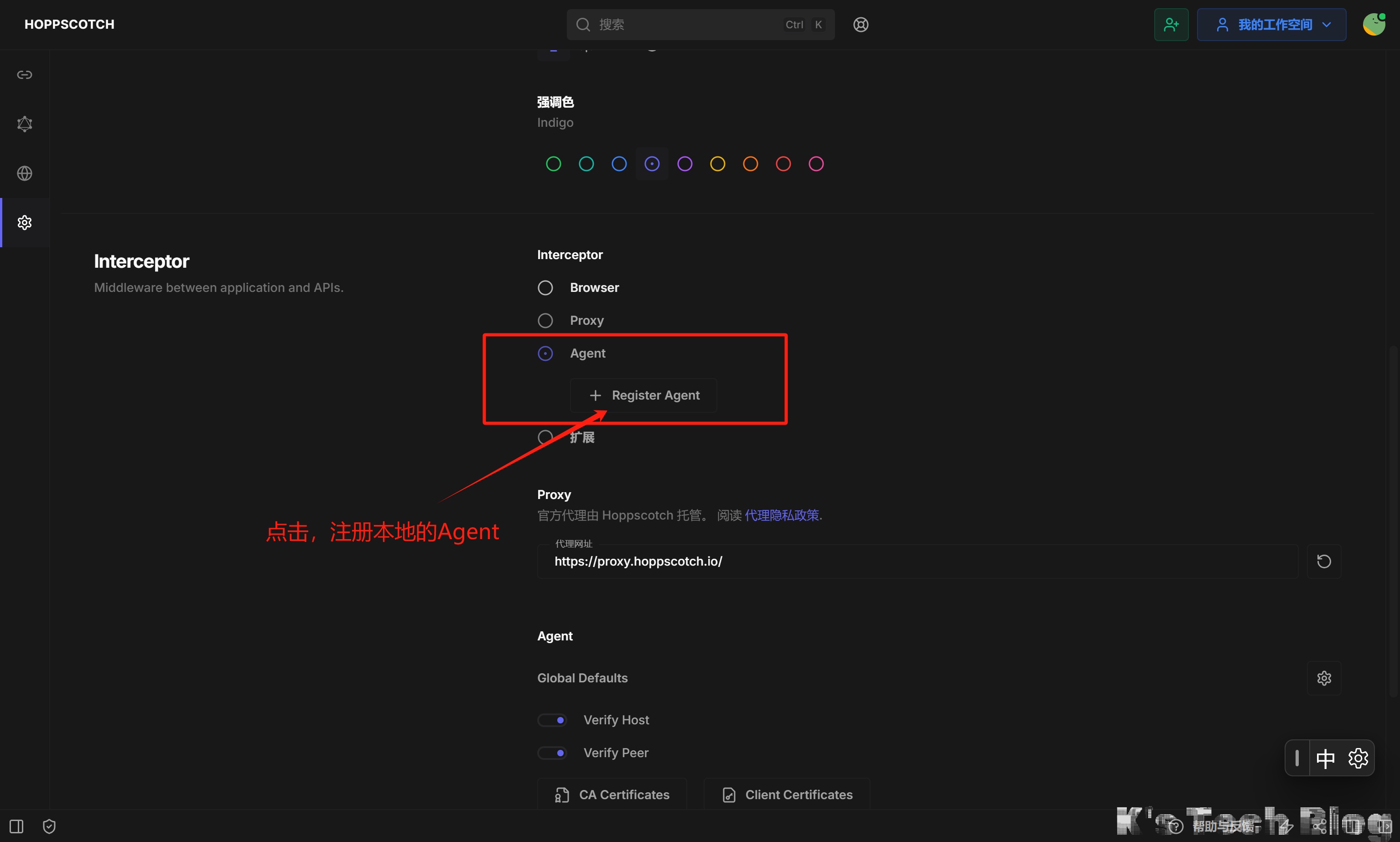
然后在Hoppscotch中点击注册Agent:
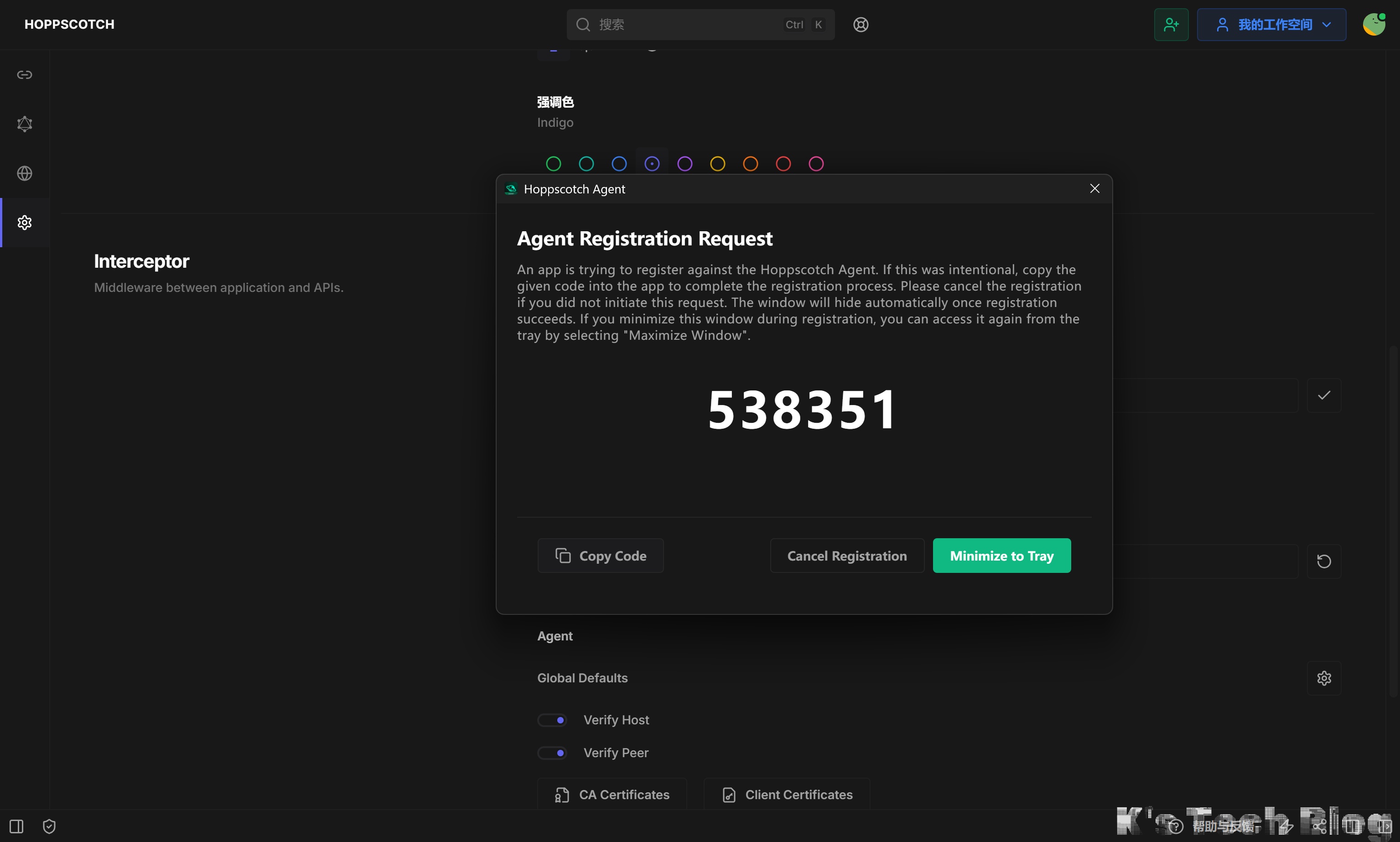
 随后Agent会自动弹出,并且有个验证码,填进去就行了: